
CSS is constantly evolving and can often surprise you with how much it can replace JavaScript in certain areas. Let's look at a specific case.
You are creating a store, ensuring the digital accessibility of the website, and want the content to have a sensible, logical order.
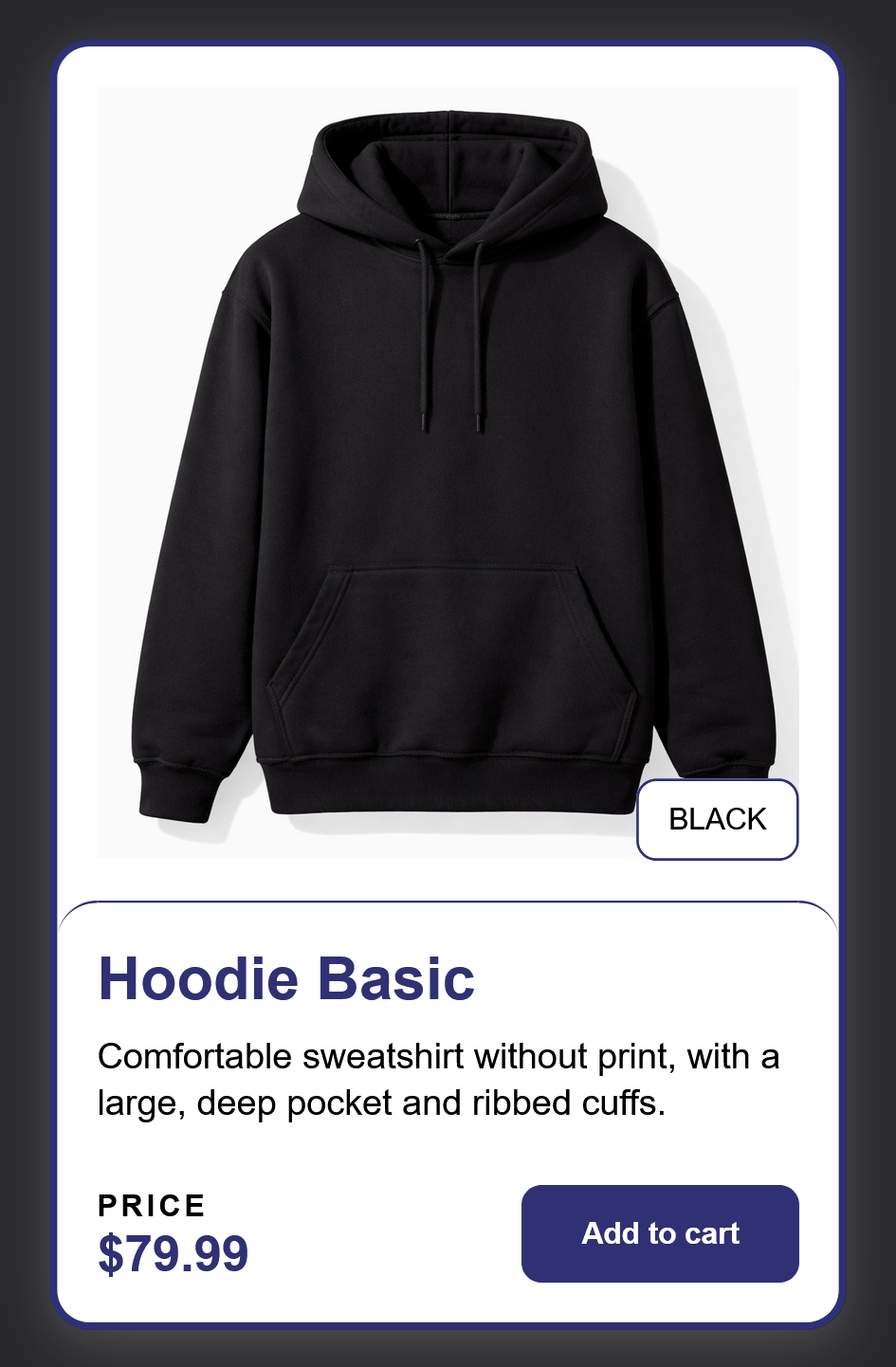
Everything is fine until you receive a task to move the badge informing about the color of the product to the bottom of the photo.
Current component:
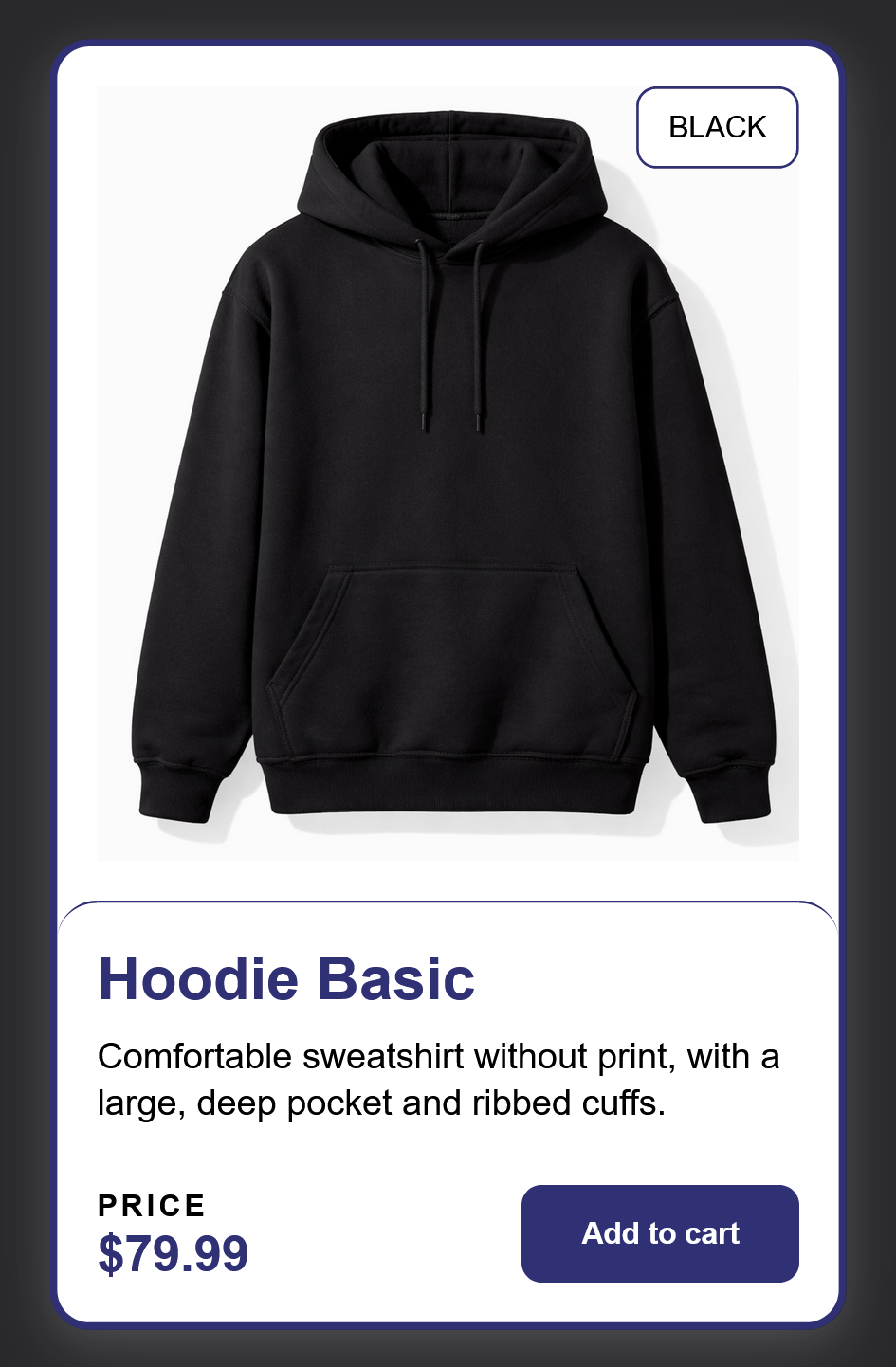
Product card code:
<div class="product-card">
    <img src="./hoodie.jpg" alt="black basic hoodie">
    <div class="content">
        <p class="title">Hoodie Basic</p>
        <p class="description">Comfortable sweatshirt without print, with a large, deep           pocket and ribbed cuffs.</p>
        <span class="badge">Black</span>
        <div class="price">
            <div>
                <p class="price-label">Price</p>
          <p class="price-value">$79.99</p>
            </div>
      <button class="button">Add to cart</button>
    </div>
    </div>
</div>
A typical CSS implementation probably looks like:
.product-card {
    position: relative;

    & .badge {
        position: absolute;
        top: 16px;
        right: 16px;
    }
}
Changing the top property to bottom will only move the badge to the very bottom of the component, which has a relative position. Not meeting the designer's expectations :).
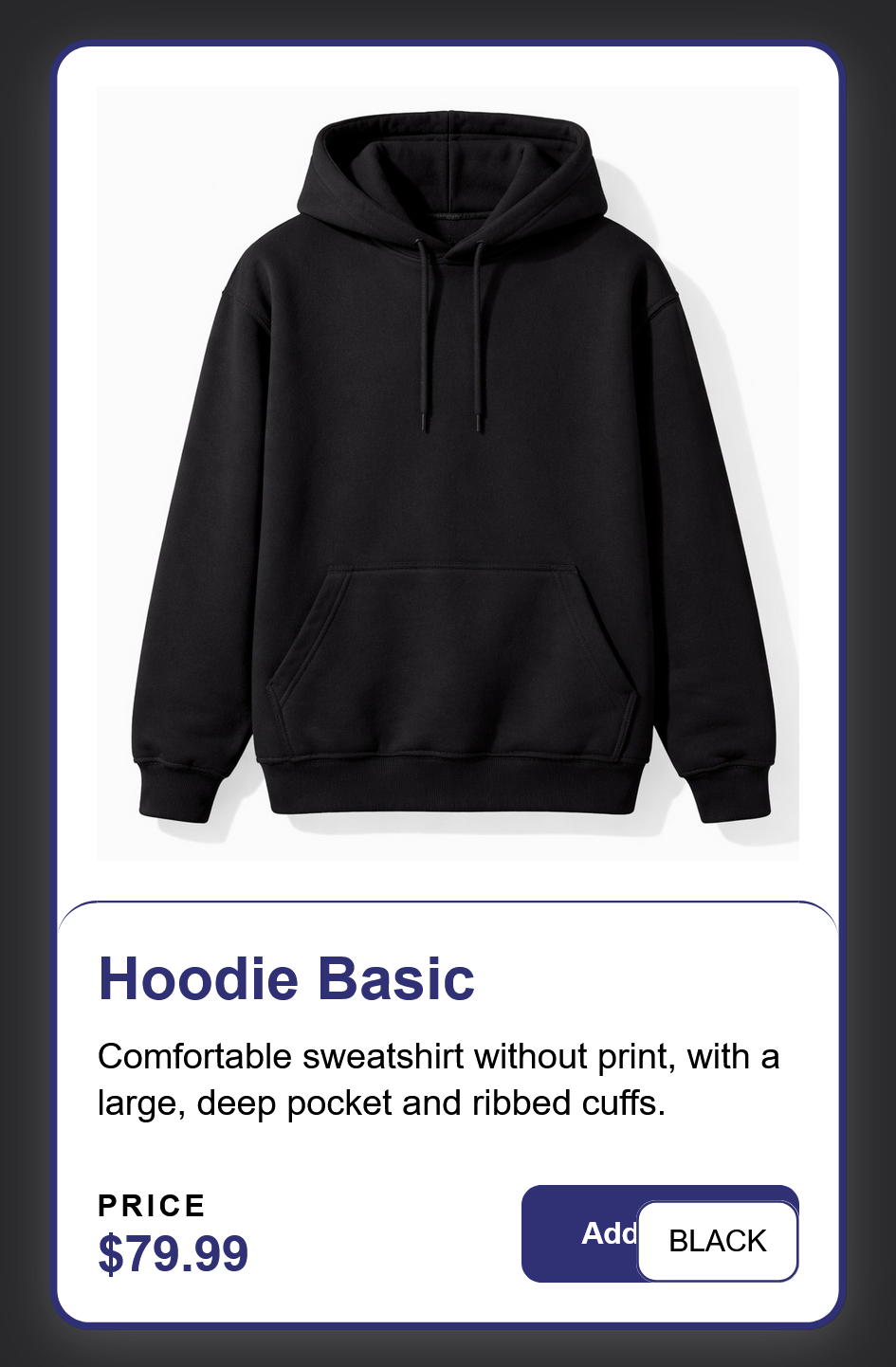
We don't want to change the HTML and move the badge closer to the photo by wrapping the whole thing in a div component. This solution would disrupt the order in which the information is read and affect the ease of understanding the product content. In this situation, the problem can be solved by an anchor property, which will place the badge in the right place without changing the DOM structure.
Component styles declared using the anchor:
.product-card {
    position: relative;
    anchor-scope: --product-card;

    img {
        anchor-name: --product-card;
    }

    & .badge {
        position: absolute;
        bottom: calc(anchor(bottom) + 16px);
        right: calc(anchor(right) + 16px);
        position-anchor: --product-card;
    }
Current view of the component:
- anchor-scope - limits the scope of the anchor to the specified DOM tree element, without it, an anchor with the same name could be located in a different element (rendered as the last visible one)
- anchor-name - gives the anchor a name, creating a reference point
- position-anchor - provides information about what it should be positioned relative to
Anchor positioning works perfectly with tooltips, popovers, decorative elements, or short informational texts.
I have only touched upon a very simple example of usage. For a more in-depth compendium of the usage of this class, I refer you to several sources that expand on the topic considerably.

Go back to articles